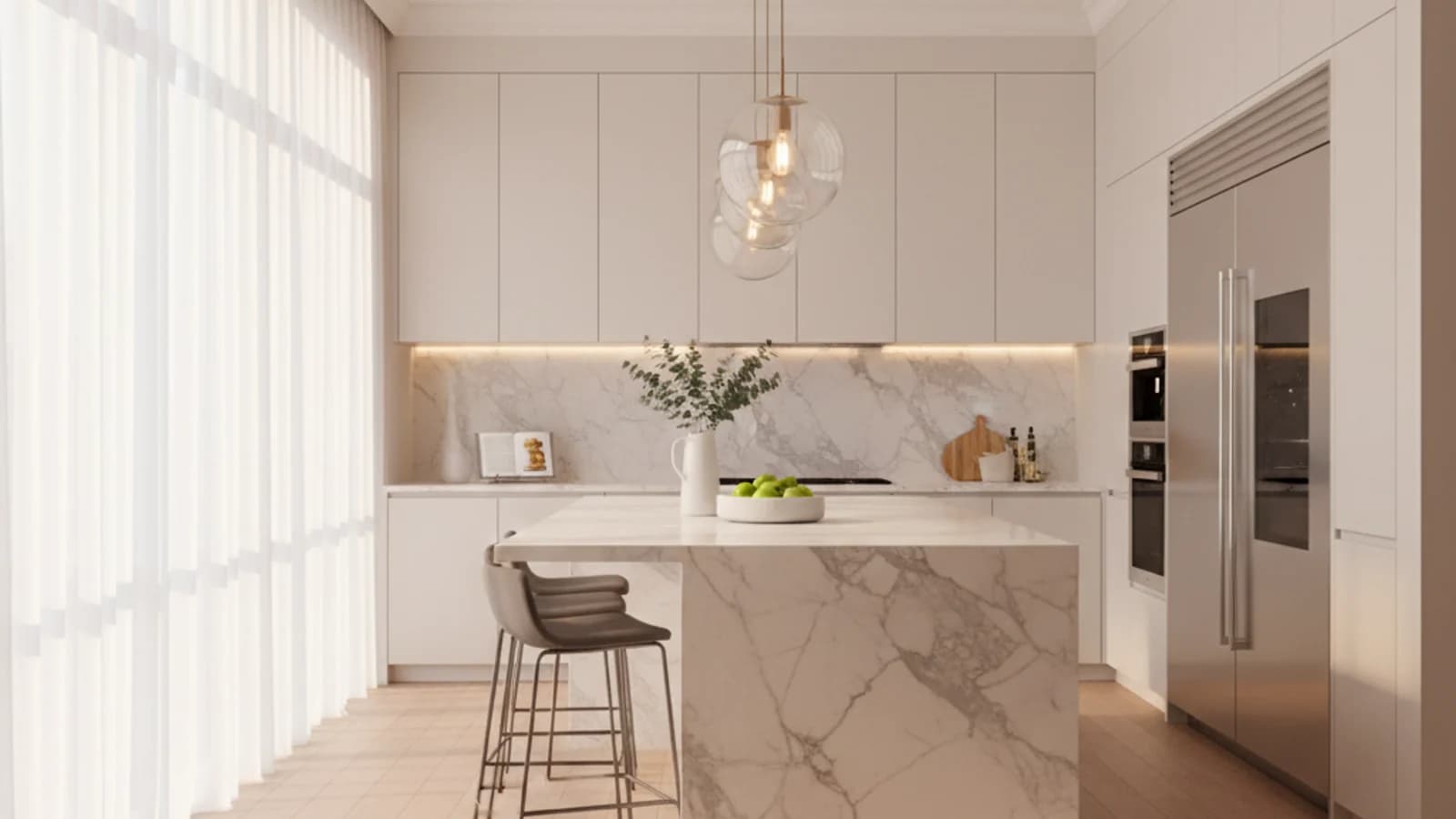
Low-light interiors
Improve living rooms, kitchens, and bedrooms that feel too dim or flat in raw captures.
Photo Tool
Correct exposure, white balance, and contrast in seconds so every listing feels brighter, cleaner, and more premium before buyers even open the gallery.
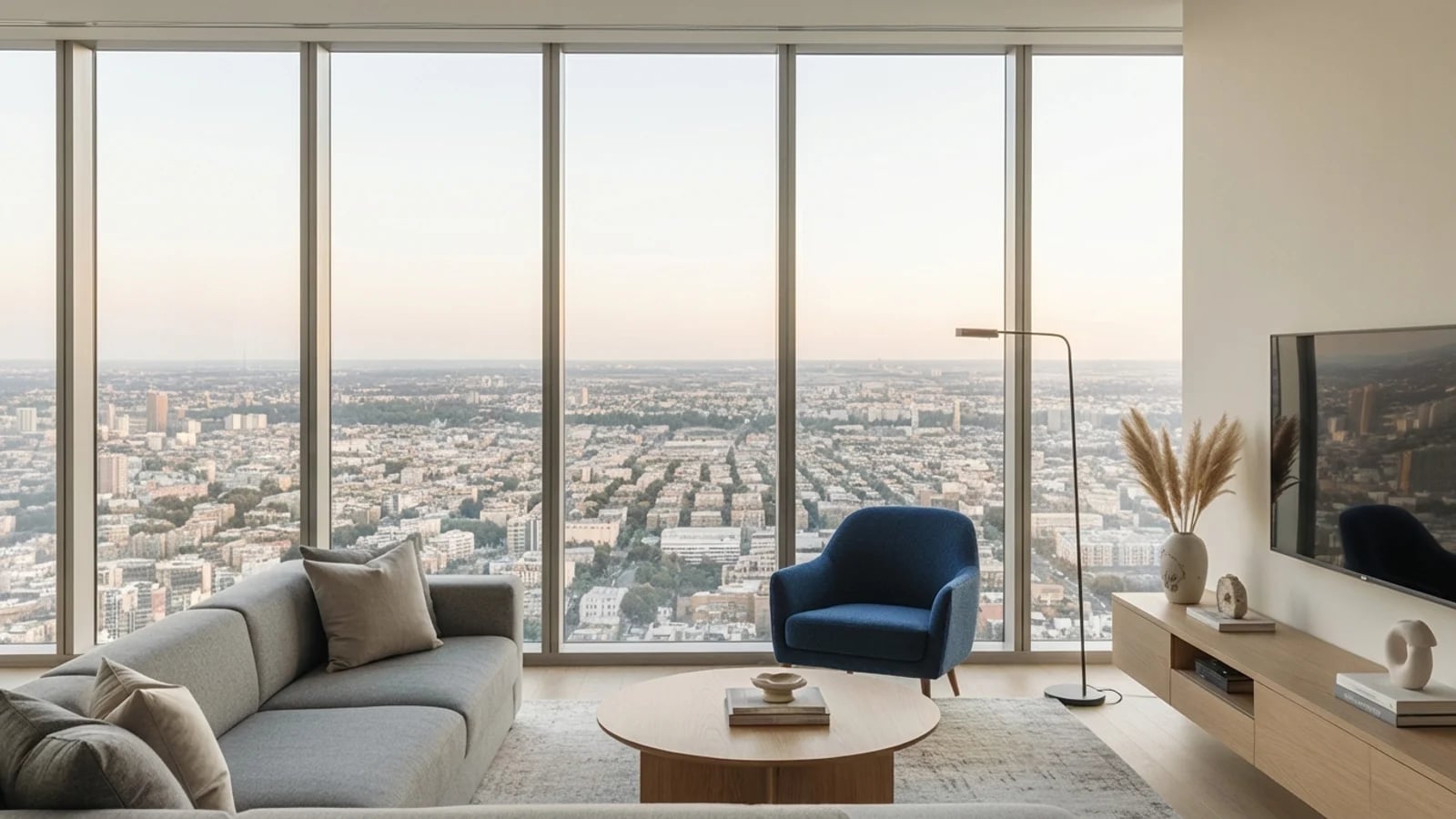
Featured workflow
Show how low-light or mobile-captured interiors can become market-ready visuals without a manual retouching workflow.
to deliver a publish-ready enhancement
faster than a manual retouching pass
consistent output across every new listing
Feature proof
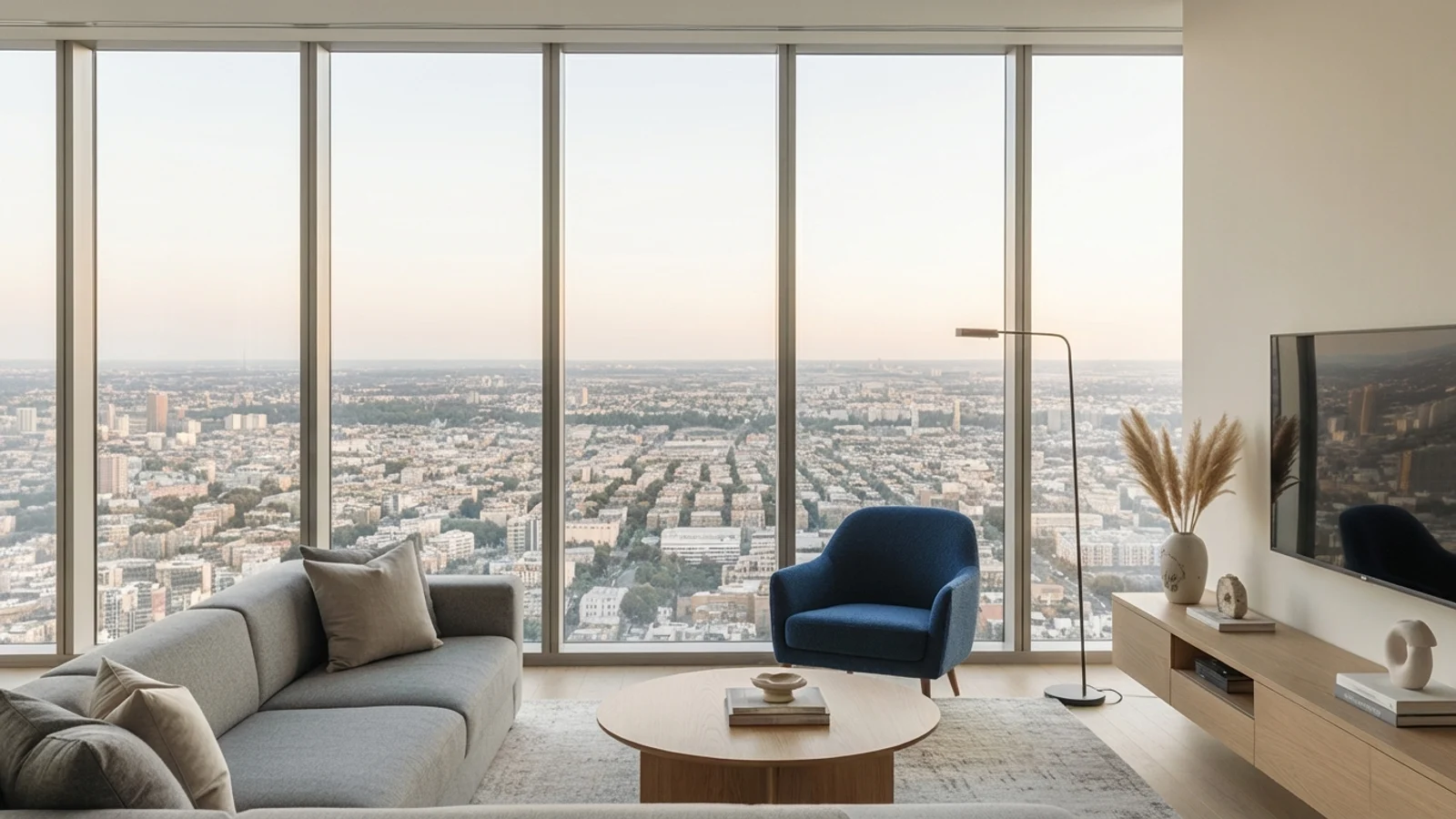
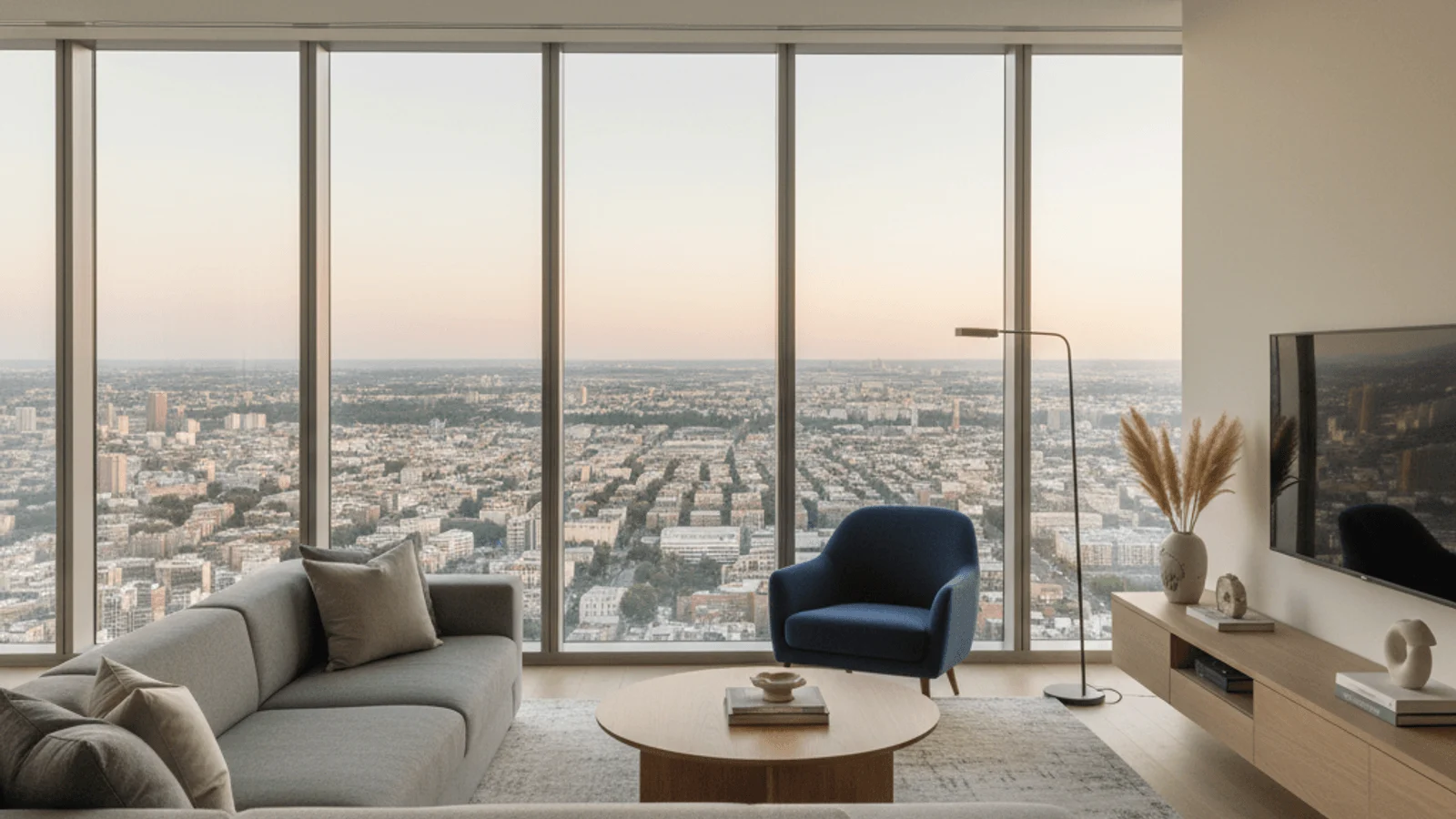
Show how low-light or mobile-captured interiors can become market-ready visuals without a manual retouching workflow.
Why it matters
These pages are designed for more than presentation. They help teams communicate value faster, explain the workflow clearly, and create stronger confidence before a trial or demo request.
Brightens dark interiors while keeping the scene believable and listing-safe.
Corrects inconsistent white balance from mixed natural and artificial light.
Gives agents a stronger hero image without waiting on a post-production queue.
Use cases
Each feature is meant to support real publishing behavior: faster launches, better listing quality, and stronger campaign coverage across portals, decks, and social.
Improve living rooms, kitchens, and bedrooms that feel too dim or flat in raw captures.
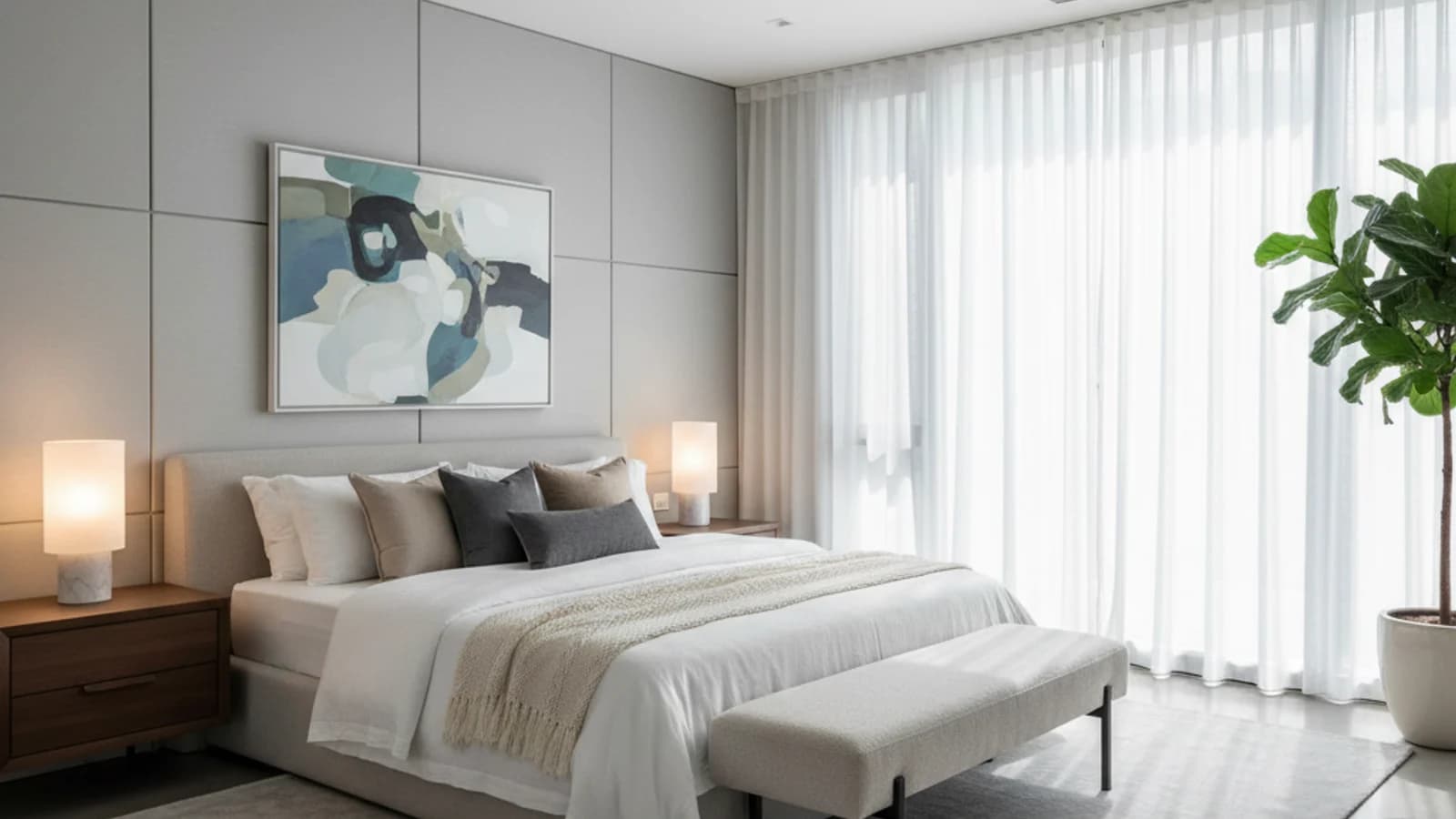
Upgrade photos taken quickly on site when there is no time for a second shoot.
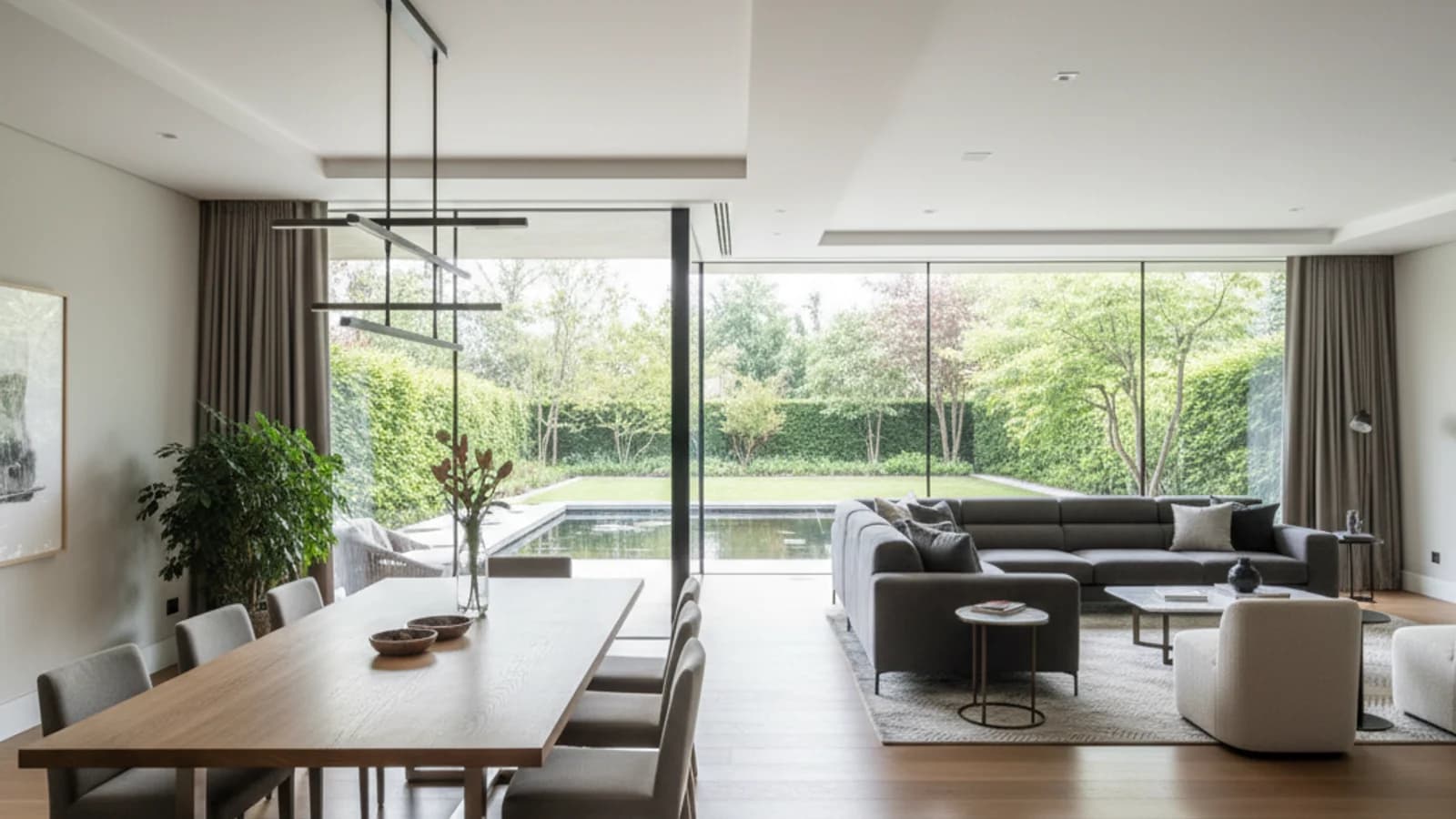
Standardize quality for brokerages that publish multiple listings every week.
Search-focused content
Real estate photo enhancement is the process of correcting exposure, white balance, contrast, and clarity on listing photos so each room reads bright, true-to-life, and listing-ready. Proply Lens runs this as an AI real estate photo editing pass that takes seconds instead of a manual retouching queue.
Most listing galleries lose attention in the first three thumbnails. A consistent enhancement layer is the cheapest way to lift perceived quality across every property your team publishes.
Mobile and on-site captures often suffer from mixed lighting, blown-out windows, and dull color. Our AI real estate photo editing workflow rebalances these scenes without the over-processed look that buyers and portals flag as misleading.
The result is real estate photo retouching that improves clarity while keeping the room recognizable: cleaner whites, recovered shadow detail, and accurate wall color.
Brokerages publishing multiple listings per week need a real estate photo editor that delivers consistent output, not one-off filters. Proply Lens standardizes the look across every gallery so each agent's listings feel like they belong to the same brand.
Teams using us as a real estate photo editing service replacement get a faster turnaround per listing and skip the back-and-forth on revisions.
AI real estate photo enhancement is the right first pass when your raw captures are technically correct but visually flat: slightly underexposed living rooms, kitchens with mixed tungsten and daylight color casts, shaded bedrooms that hide finish detail, and bathrooms where tile texture disappears into shadow. In each of these cases the subject is clearly in the frame, the composition is acceptable, and the problem is simply that the image lacks the punch of a professionally processed listing photo. A single automated pass restores that punch and makes every room in the gallery feel like it belongs to the same shoot.
Enhancement is also the right call when you are working against a same-day publishing deadline. Manual retouching takes a human editor anywhere from eight to twenty minutes per photo, which means a twelve-photo gallery eats up half a working day before the listing ever goes live. The AI workflow compresses that pipeline to minutes without compromising the look agents expect on Rightmove, Zillow, Immobiliare, or Funda — leaving room in the schedule for copywriting, floor plan preparation, and launching social promotion.
Enhancement is the wrong tool, however, when the underlying photograph is structurally broken. Severely tilted horizons, severely blown highlights with no recoverable detail in the sky, motion blur from a handheld capture, or frames where the main subject is cropped at an awkward angle will not be rescued by any AI enhancement pass. The algorithm improves what is present in the file; it cannot invent information that was never captured. In those cases you are better served by an Exterior Retouching pass (if only the sky is the problem), a reshoot with a tripod, or Virtual Staging to replace the visual focus of the room entirely. Treat enhancement as the standard first step on every listing, not as a rescue mission for a failed shoot — and you will get consistently strong thumbnails with minimal operational overhead.
Finally, enhancement is specifically designed for listing presentation, not for legal documentation or property condition surveys. If you are preparing photos for a valuation report, an insurance claim, or any compliance-related purpose where the image needs to represent the property exactly as captured, skip the enhancement pass and use the original file. For every other listing use case — portal thumbnails, brochure covers, agency website galleries, social media carousels, and email newsletters — enhancement is the cheapest, fastest, and most reliable way to raise the perceived quality of every listing you publish.
Related features
Search topics
FAQ
No. It improves the images you already have, but strong framing and accurate composition still matter. The tool is best used to raise consistency and listing quality quickly.
Yes. Mobile-captured interiors are one of the strongest use cases because exposure, color cast, and contrast issues appear there most often.
The goal is not a dramatic filter. The workflow is designed to keep the room credible while improving clarity, brightness, and overall presentation.
Next step
Start with a trial, test the workflow on a live property, and use the related feature links to build a complete Proply Lens publishing stack.